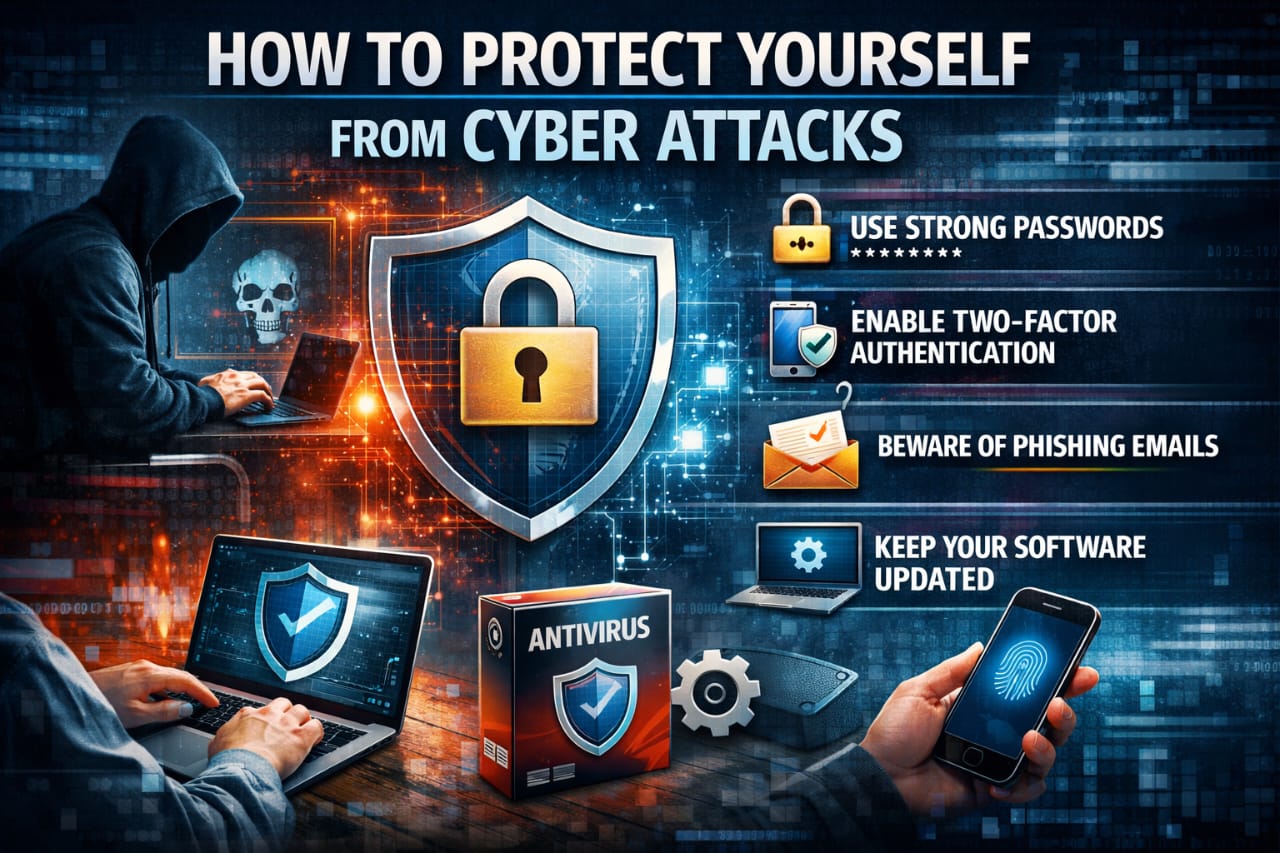
Guide on how to Protect Yourself from Cyber Attacks
Our Lives in the Digital Web:
The internet is now the backbone of modern life, transforming how we communicate, learn, work, and shop. While it offers boundless opportunities, this connectivity also exposes us to significant risks in cyberspace. Understanding How to protect yourself from cyber attacks is no longer optional; it’s a fundamental life skill. This guide provides actionable cyber hygiene practices for individuals and families to ensure a safe and productive online experience.
The Rising Tide of Cyber Threats:
With billions of users online, cybercrimes—including stalking, bullying, harassment, financial fraud, and child exploitation—are skyrocketing. These threats underscore the critical need for proactive digital safety measures. Adopting secure practices is our primary defense against these evolving dangers.
Table of Contents:
Why Cyber Safety Matters Today?
The internet has become an inseparable part of modern life. From communication and education to shopping, gaming and financial transactions, cyberspace touches almost every aspect of our daily routine. While this digital transformation has brought convenience, it has also created serious security risks.
Understanding How to protect yourself from cyber attacks is no longer optional. Cybercrime is increasing rapidly, especially crimes targeting women, children and unaware users. Online safety awareness is now a basic life skill.
Understanding Cyber Attacks and Online Threats:
Cyber attacks refer to malicious attempts to access, steal, damage or disrupt digital systems, devices or personal data. These attacks can happen through emails, social media, websites, mobile apps or even online games.
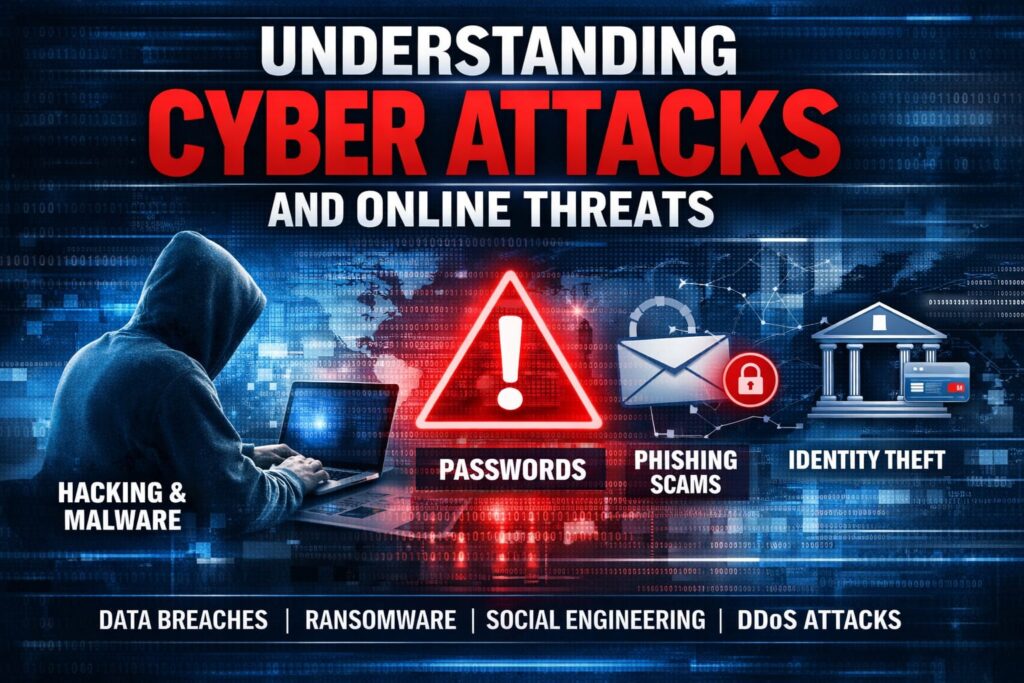
Common Types of Cyber Attacks –
| Cyber Threat | Description |
|---|---|
| Phishing | Fake emails or messages stealing personal data |
| Malware | Harmful software infecting devices |
| Cyber Stalking | Repeated online harassment |
| Grooming | Emotional manipulation of children |
| Identity Theft | Misuse of personal data |
| Ransomware | Data locked until money is paid |
Knowing How to protect yourself from cyber attacks begins with awareness of these threats.
Cyber Hygiene for Parents & Guardians –
Your role is crucial in building your child’s first line of digital defense.
Open Communication & Monitoring:
- Talk Openly: Discuss online threats like grooming, bullying, and scams.
- Set Guidelines: Establish clear rules for internet and game usage.
- Watch Behaviour: Be alert to increased secrecy or defensiveness about online activity—a potential red flag.
Recognizing & Preventing Cyber Grooming:
Grooming is the process where predators build emotional trust with children online for sexual exploitation. Counter it by:
- Discussing responsible social media use.
- Helping children set strong privacy settings (they often disable these to gain more “friends”).
- Keeping dialogue open and encouraging offline activities.
Essential Device & Privacy Settings:
- Use Parental Controls: Install reputable anti-virus or parental control software.
- Update Everything: Keep all operating systems and applications updated to patch security vulnerabilities.
- Cover Webcams: Physically cover webcams when not in use to prevent unauthorized access.
- Review Settings: Regularly check privacy settings on social media and apps your child uses.
Cyber Hygiene for Teens & Young Adults –
Secure your digital identity as carefully as you do your physical self.
Securing Your Social Presence:
- Privacy Settings: Use strict privacy controls so only trusted contacts see your posts.
- Friend List Hygiene: Be selective with friend requests. Know how to block and remove contacts.
- Log Out: Always log out from shared or public devices.
- Fake Accounts: Report impersonating accounts immediately to the platform.
Smart Sharing & Communication:
- Video Chat Caution: Assume any video call can be recorded. Be mindful of your appearance and surroundings.
- Avoid Sensitive Media: Do not take or store sensitive personal photos/videos on smartphones synced to the cloud, as deletion is not permanent.
- Beware Cyber Stalking: Disable location services, refrain from sharing personal info with strangers, and seek help if you feel you’re being stalked.
Device Security Best Practices:
- Password Protect: Use strong passwords/PINs on all devices.
- Safe Browsing: Never use public Wi-Fi or computers for banking/shopping.
- Data Deletion: Before selling or repairing devices, permanently erase all data.
- App Sources: Only install apps from official stores like Google Play or Apple App Store.
Cyber Hygiene for Organizations –
Workplaces must be part of the security solution.
- Clear HR Policies: Establish strict policies against possessing or sharing Child Sexual Exploitative and Abuse Material (CSEAM).
- Device Rules: Define acceptable use for company-provided electronic devices.
- Act & Report: Investigate violations, preserve evidence, and report incidents to authorities via the National Cyber Crime Reporting Portal (www.cybercrime.gov.in).
Rising Cyber Crimes Against Women and Children –
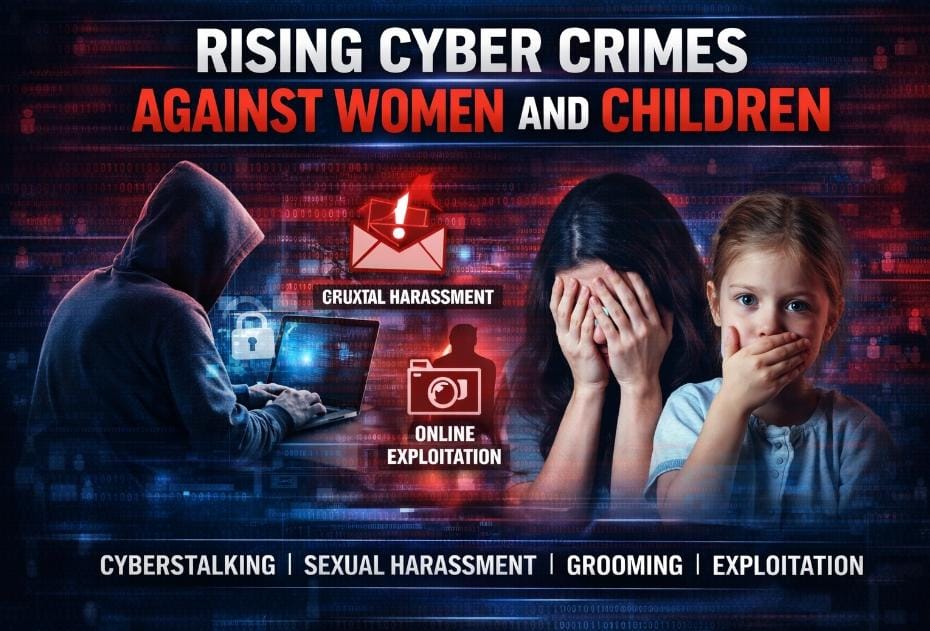
Cybercrimes involving women and children are increasing at an alarming rate. These include:
- Cyber bullying
- Cyber harassment
- Online blackmail
- Child Sexual Exploitative and Abuse Material (CSEAM)
- Fake profiles and impersonation
Children often lack the ability to identify threats, making parental guidance essential.
10-Step Action Plan: How To Protect Yourself from Cyber Attacks:
Follow this actionable checklist to significantly boost your cyber resilience.
| Step | Action | Key Benefit |
|---|---|---|
| 1 | Check for Breaches: Visit haveibeenpwned.com. | Identify compromised accounts. |
| 2 | Audit Passwords: Test strength at howsecureismypassword.net. Avoid easy ones like “123456”. | Eliminate weak security points. |
| 3 | Use a Password Manager: e.g., Dashlane, Bitwarden. | Generate & store unique, complex passwords securely. |
| 4 | Enable MFA/2FA: On all email, social, and financial accounts. | Adds a critical second layer of defense. |
| 5 | Trust No One (Digitally): Don’t click unknown links/attachments. Verify unexpected calls. | Prevents phishing & social engineering. |
| 6 | Secure Devices: Use passwords, biometrics, and remote wipe features. | Protects data if device is lost/stolen. |
| 7 | Update Software: Enable auto-updates for OS, apps, and antivirus. | Patches known security holes. |
| 8 | Practice Safe Browsing: Look for “HTTPS” padlock. Avoid suspicious downloads. | Ensures encrypted, legitimate connections. |
| 9 | Cover Webcams & Be Cautious on Video. | Prevents visual eavesdropping. |
| 10 | Report Suspicious Activity: To IT departments or cybercrime.gov.in. | Helps protect the wider community. |
Social Media Safety and Privacy Controls –
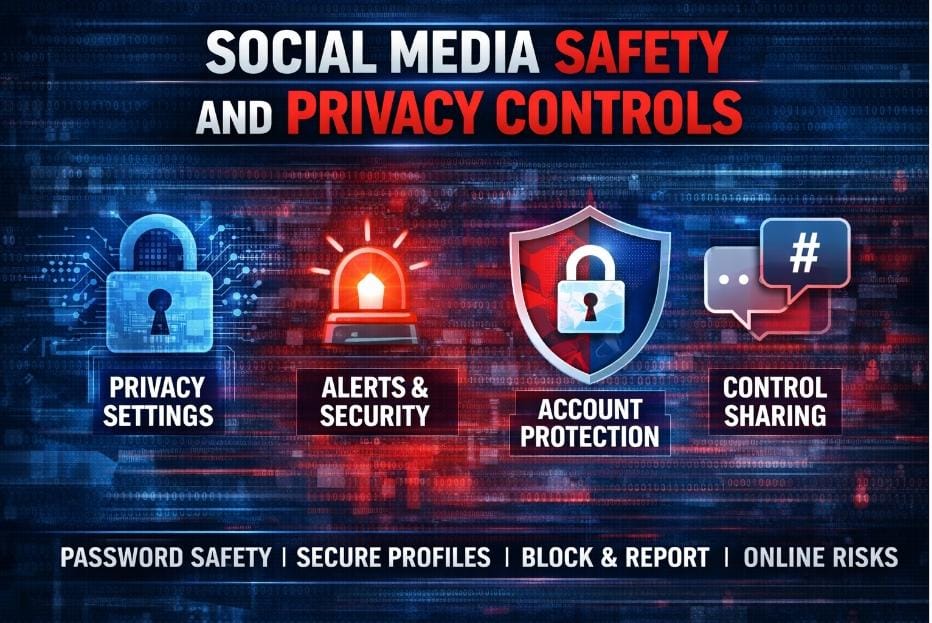
Social media platforms store massive personal data.
Essential Social Media Safety Tips:
| Action | Why It Matters |
|---|---|
| Private profiles | Limits exposure |
| Restricted sharing | Prevents misuse |
| Strong passwords | Stops hacking |
| Two-factor authentication | Extra security |
Oversharing is one of the biggest cyber risks.
Video Calls, Cloud Storage and Hidden Risks –
Private video calls can be recorded without consent. Cloud storage may automatically back up sensitive content.
Safety Guidelines:
- Avoid sensitive video chats
- Disable auto cloud backup for personal media
- Never store private content online
Once leaked, digital content is nearly impossible to erase.
Cyber Stalking, Fake Accounts and Digital Harassment:
Cyber stalking involves repeated online harassment despite clear refusal.
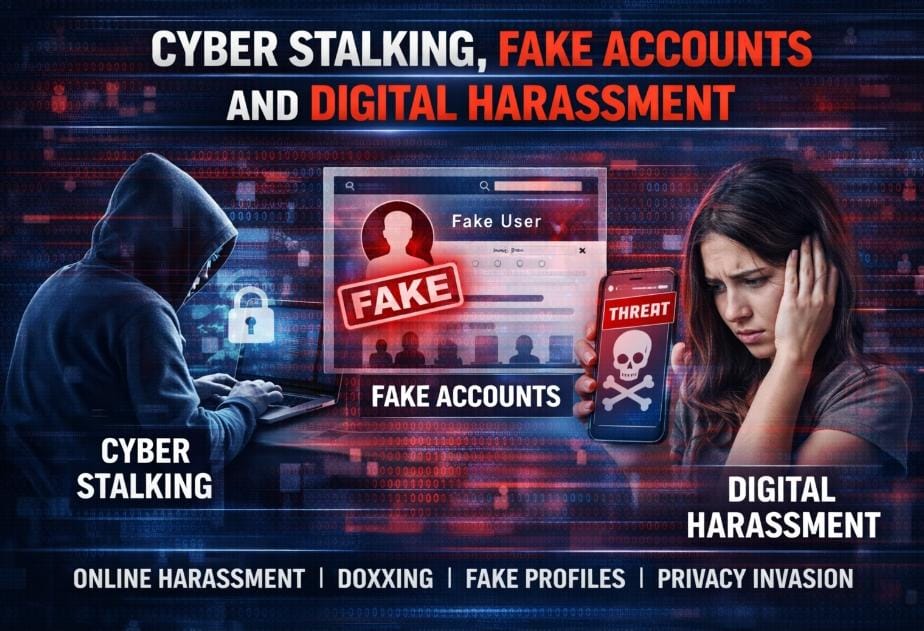
How to Protect Yourself?
- Disable location sharing
- Avoid sharing personal details
- Report fake accounts immediately
- Save evidence of harassment
Knowing How to protect yourself from cyber attacks includes emotional and psychological safety.
Safe Browsing, Online Banking and Shopping Tips:
Sensitive browsing requires extra caution.
Safe Browsing Checklist –
- Use personal devices only
- Avoid public Wi-Fi
- Check HTTPS and padlock icons
- Never save card details on shared devices
Financial safety is a key part of cyber protection.
Device Security: Phones, Laptops and PCs
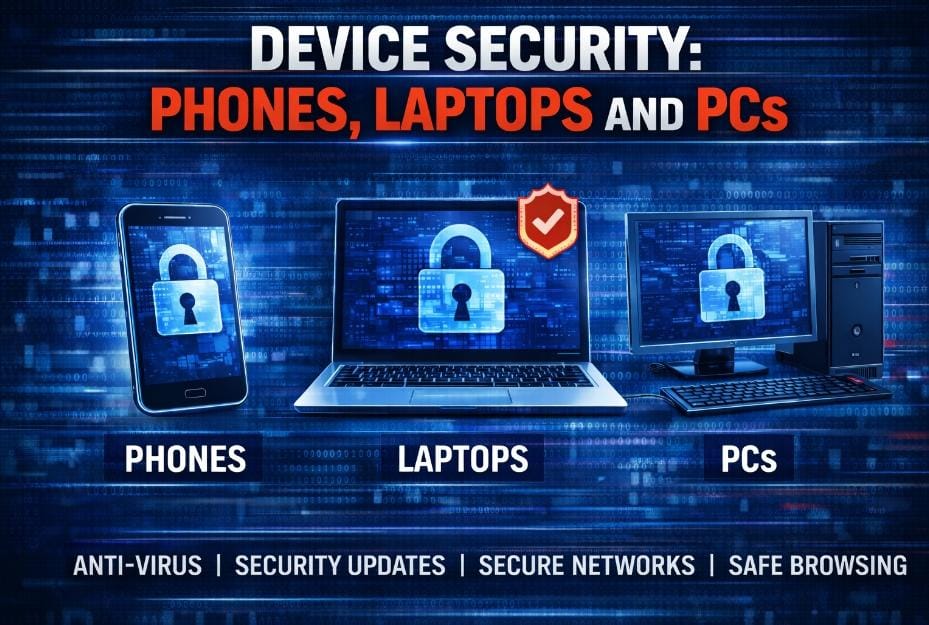
Devices contain personal and financial data.
Device Protection Measures:
| Security Step | Benefit |
|---|---|
| Antivirus software | Blocks malware |
| Screen lock | Prevents misuse |
| Software updates | Fixes vulnerabilities |
| App restrictions | Stops unsafe installs |
Always erase data before selling or repairing devices.
How To Protect Yourself from Cyber Attacks at Work?
Organisations must adopt cyber hygiene.
- Clear IT usage policies
- Restricted access to sensitive data
- Regular security training
- Reporting mechanisms
Employees must follow digital discipline.
Handling CSEAM in Organisations:
Child Sexual Exploitative and Abuse Material is illegal.
Organisational Responsibilities:
- Immediate reporting to police
- Preserve evidence securely
- Delete unauthorised copies
- Inform authorities via cybercrime portal
Ignoring such content can lead to legal consequences.
Comparison: Safe vs Unsafe Online Behaviour
| Safe Behaviour | Unsafe Behaviour |
|---|---|
| Strong passwords | Reused passwords |
| Private profiles | Public sharing |
| Trusted apps | Unknown downloads |
| Secure networks | Free Wi-Fi |
Understanding the Law: IT Act, 2000
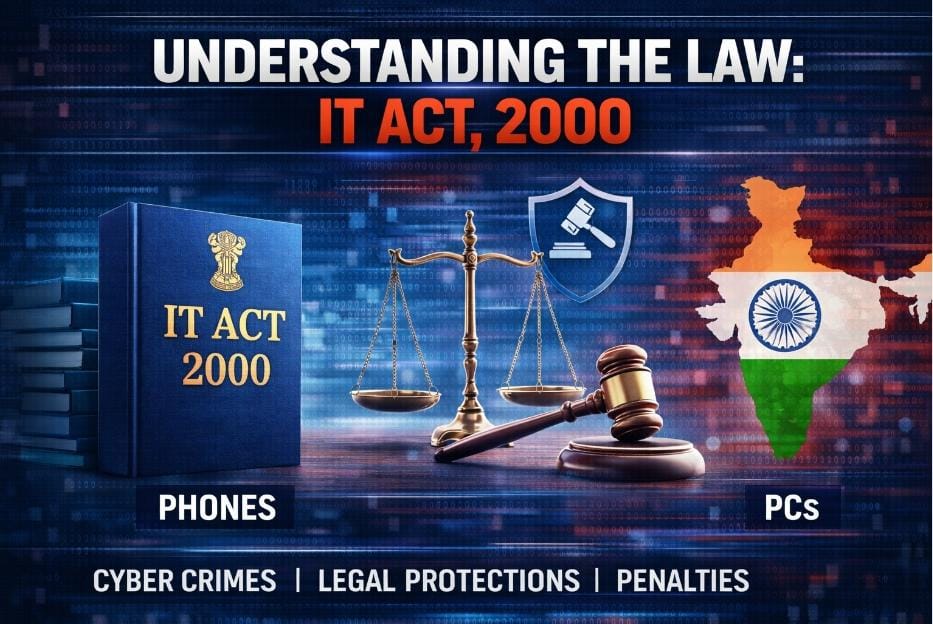
India’s Information Technology Act provides strong legal recourse against cybercrimes:
- Sections 67 & 67A: Punish publication/distribution of sexually explicit material electronically.
- Section 67B: Specifically criminalizes browsing, downloading, creating, or distributing child pornography. Knowledge of these laws empowers you to report crimes confidently.
Reporting Cyber Crime in India:
Cyber crimes can be reported at:
www.cybercrime.gov.in
Reporting helps protect others and strengthens digital safety.
FAQs on Cyber Attack Protection:
Q1: What is the single most important thing I can do to protect myself online?
A: Enable Multi-Factor Authentication (MFA) on all important accounts (email, bank, social media). It’s the most effective barrier against account takeover.
Q2: I think I’ve been phished. What should I do immediately?
A: 1) Change the compromised password immediately. 2) If it’s a financial account, contact your bank. 3) Scan your device with antivirus software. 4) Report the phishing attempt.
Q3: Are password managers really safe?
A: Reputable password managers use strong encryption to store your data. They are significantly safer than using weak, repeated passwords or writing them down.
Q4: What should I do if I encounter Child Sexual Abuse Material (CSAM) online?
A: Do not share it. Report it immediately to the social platform and to the National Cyber Crime Reporting Portal (cybercrime.gov.in). It is both a civic duty and a legal requirement.
Q5: How often should I update my passwords?
A: If you use a unique, strong password (12+ characters, random) with MFA, frequent changes are less critical. Prioritize changing passwords if a service reports a breach or you suspect phishing.
Conclusion: Safety is a Shared Responsibility
Cyberspace is a shared realm. How to protect yourself from cyber attacks involves a combination of informed vigilance, robust tools like password managers and MFA, and a culture of open conversation—especially within families. By adopting the practices outlined for your role—whether as a parent, teen, or professional—you contribute to a safer internet for all. Stay aware, stay updated, and remember: when in doubt, report. Let’s navigate the digital world not with fear, but with preparedness and confidence.
Be Safe. Browse Safe.
About the Author